
How to Do a Complete Family Photo Inventory (Before You Organize a Single Thing)
I grew up understanding how fragile memory can be.
When my family fled Iran during the 1979 revolution, we left almost everything behind. What we carried with us were photo albums. A few boxes of prints. The tangible proof that our life before had existed.
That experience is why I built Picturli. And it’s why the first thing I do with every single client – before we touch a scanner, before we create a single folder – is gather.
Not organize. Not digitize. Gather.
What gathering actually means
Gathering means pulling everything out of every location and putting it in one place so you can see the full scope of what you’re working with. Closets, drawers, storage units, cloud services, old phones in a desk drawer – everything.
You’re not organizing yet. You’re taking inventory.
Most people are surprised by what they find. Many of our clients often forget where their memories are, which is why I created this list. I’ve worked with clients who discovered four shoeboxes of prints stored behind holiday decorations in a closet they hadn’t fully opened in years. Clients who found a hard drive from 2008 with over 30,000 assets on it that they had forgotten about. One woman had a Shutterfly account from 2011 she’d completely forgotten about – 13,400 photos, just sitting there.
If you start organizing before you’ve finished gathering, you’ll build a system and then have to rebuild it when more photos surface. You’ll scan duplicates twice. You’ll create folders that need restructuring the moment something new turns up.
Gathering first prevents all of that. It gives you a complete picture of the scope before you commit to a plan.
For digital assets: start with a 4TB hard drive
Before you touch a single file, buy a large external hard drive. I recommend two 4TB or higher. One to work on and another for backup. A lifetime of photos, videos, home movies, and scanned prints adds up faster than most people expect, and you want room to grow.
Then consolidate. Pull photos and videos from every device you own – phones, tablets, old computers, digital cameras, memory cards. Download from every cloud service you use: iCloud, Google Photos, Amazon Photos, Dropbox, Shutterfly, Snapfish, Facebook. If you have old phones sitting in a drawer, charge them now and pull the photos off before the battery dies for the last time.
Don’t organize yet. Don’t rename anything. Create one folder – call it “Everything Unsorted” – and put it all there. The organizing comes later. Right now you’re just taking inventory.
For physical photos: sort like with like
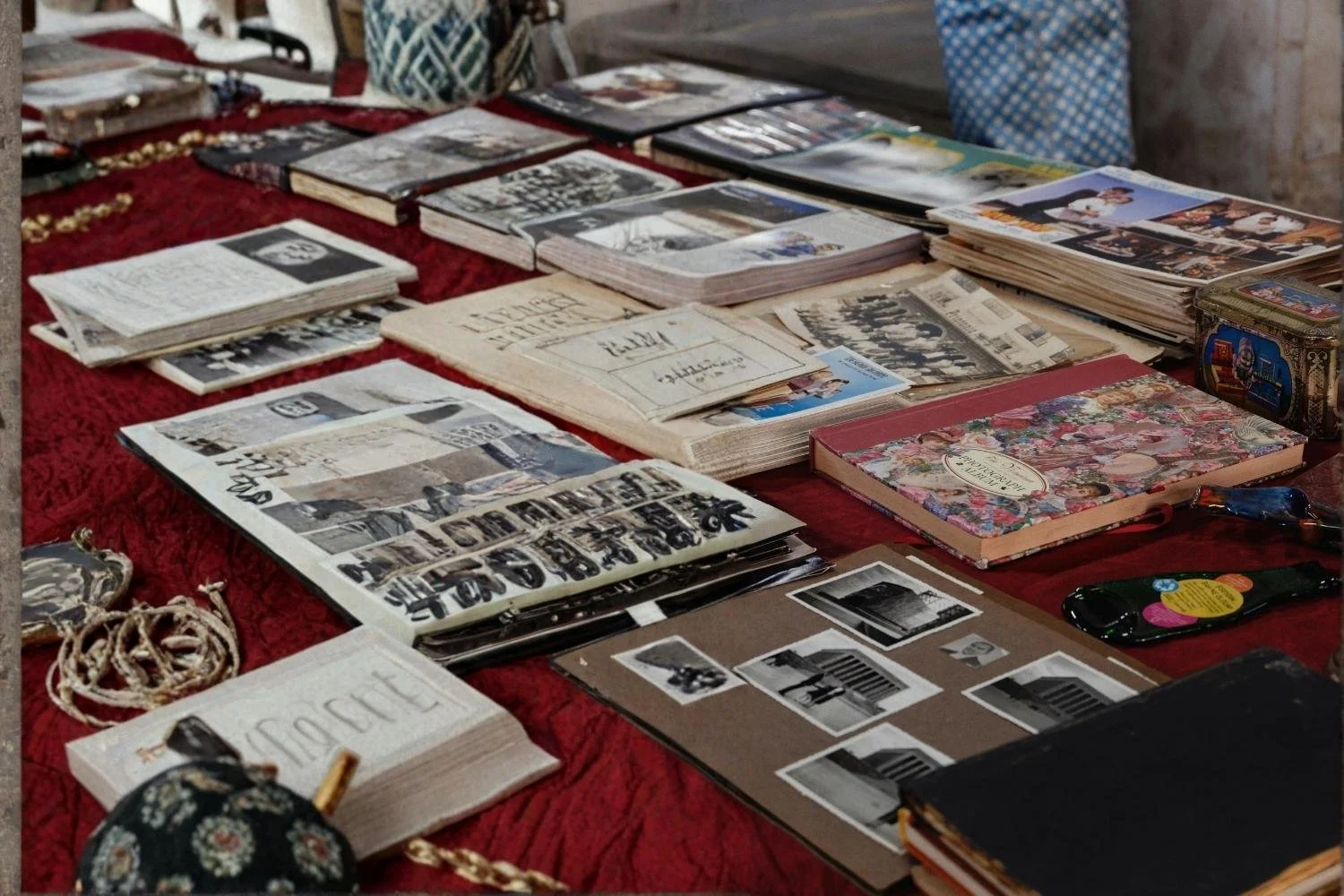
Go room by room, closet by closet, drawer by drawer. Check everywhere. Then sort everything into categories: all albums in one pile, all scrapbooks together, all loose prints together, all envelopes together, all CDs and DVDs in one pile, all VHS and Hi8 tapes in another.
This isn’t organizing by date or person or event. You’re grouping like formats together so you can see exactly what you have. How many albums? How many shoeboxes? How many tapes?
This matters for two reasons. First, it tells you the true scope of the work ahead. Second, when it’s time to scan or digitize, like formats get processed together – which is faster and more efficient. If you want to understand what the digitization process involves, read my post on why your photos may not survive the next decade.
Build a family tree before you do anything else
This is the step almost everyone skips, and the one they wish they hadn’t.
Before you start tagging photos with names, you need a reference. Build a simple family tree now, while you’re still in inventory mode. It doesn’t have to be elaborate – a basic document with names, relationships, and approximate birth years is enough.
We use familyecho.com with clients because it’s free, clean, and easy to share with family members who can fill in gaps. When you’re looking at a photo from 1962 trying to identify who’s standing next to your grandmother, you’ll be very glad you did this.
Note what’s already dated or labeled
As you go through physical photos, pay attention to anything that’s already identified. Envelopes with years written on them. Album captions. Handwriting on the back of prints. Don’t reorganize this yet – just make sure you don’t accidentally separate that information from the photos it belongs to. That context is invaluable when you get to the organizing phase.
Once you’ve done a full inventory, you’re ready to move into organizing. That process looks completely different for digital files versus physical prints – I cover both in detail in how to organize your digital photos the right way and how to sort a lifetime of printed photos without losing your mind.
What we do at Picturli
When a new client comes to us, the first thing we do is a full in-home assessment – a professional version of exactly this process. We look at every format, every volume, every condition. That inventory becomes the foundation for the entire project plan.
If you’d like a professional set of eyes on what you’re working with before you begin, that’s exactly what a consultation is for.