
How to Sort a Lifetime of Printed Photos (Without Losing Your Mind)
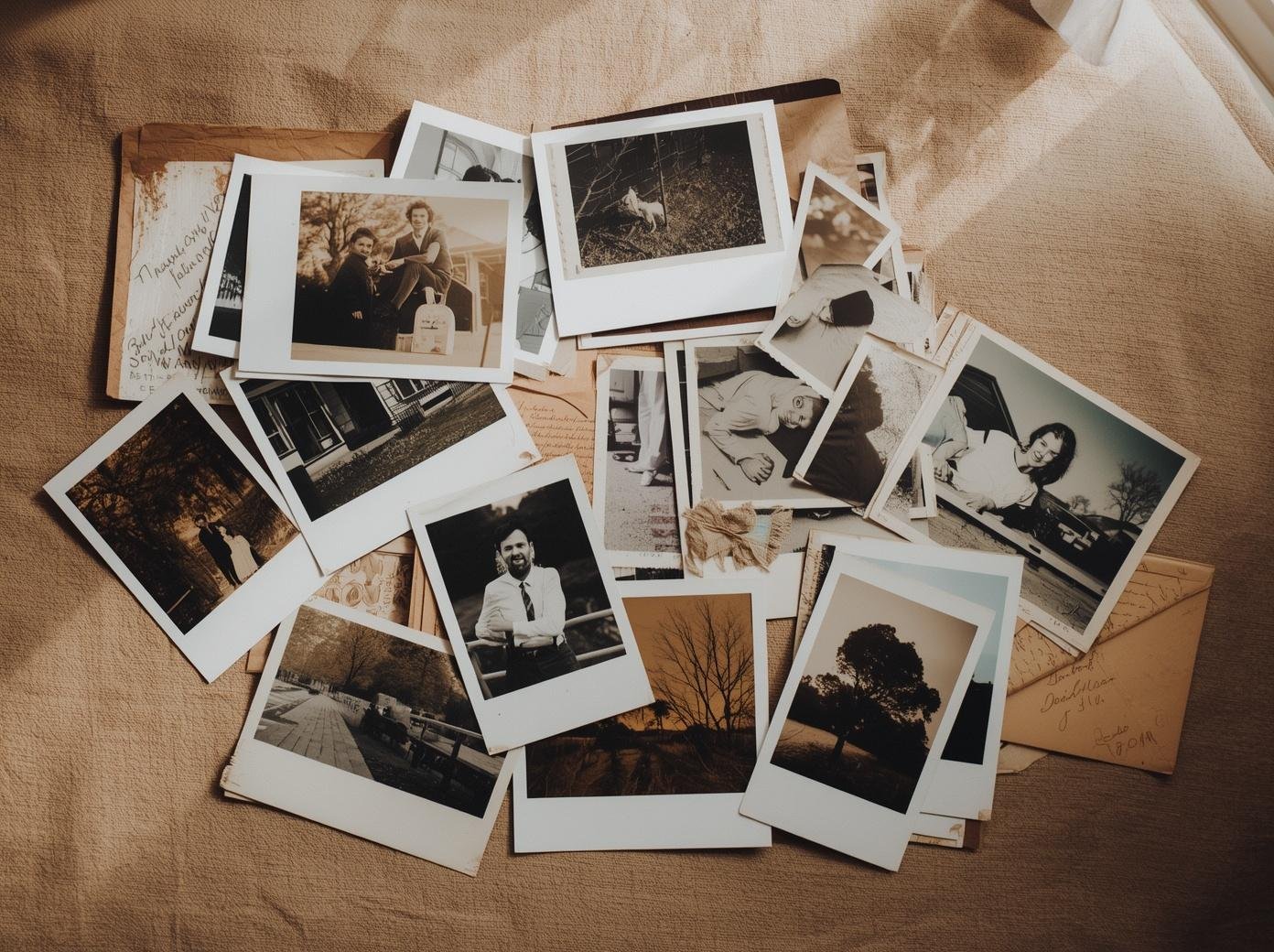
I want to tell you something that might actually make this feel less daunting.
Most people who try to sort their printed photos give up not because the project is too big, but because they started in the wrong place. They pulled out a shoebox of loose prints and tried to make sense of them before they had any context. That's like trying to solve a puzzle by starting with the middle pieces.
There's a specific order that makes this manageable. It's the same order I use with every client, and it works whether you have two albums and a shoebox or forty years of accumulated prints across an entire storage unit.
Always start with the albums
Albums are your foundation. They're already organized. Someone, at some point, made decisions about what went in them and in what order. That structure is a gift, don't ignore it.
Go through every album first. Note what's there, approximate the date ranges, and get a feel for the overall arc of your family's visual history. If albums have captions or labels, those become reference points for everything else you'll sort later.
One important thing to watch for: magnetic "sticky" albums from the 1960s through the 1990s. The adhesive in these albums migrates into the print over decades and causes irreversible staining and deterioration. If your photos are still in one of these, getting them out is urgent, not eventually, now. I covered the full story on why physical photos degrade in my post on why your photos won't survive the next decade.
Then move to envelopes
Photo envelopes are the second most organized format you'll encounter. They often have dates written on them -- from the photo lab, from a family member, or both. They frequently have context: "Christmas 1987," "Mom's 60th birthday," "Trip to Hawaii."
Work through all of your envelopes before touching loose prints. The dates and labels give you a timeline that will help you place the loose photos later. As you go, note whatever's written on each envelope before you remove anything from it. That information is often the only context those photos will ever have.
Leave loose prints for last
This is the step most people do first, and it's the reason most people get stuck.
Loose prints are the hardest category because they have the least context. No envelope, no album, no date. Just a print. Sometimes there's handwriting on the back, a name, a year, a location, and those are treasures. Most of the time there's nothing.
By the time you get to loose prints, you've already built context from your albums and envelopes. You have a rough timeline. You've seen the family members at different ages. You've identified the houses, the cars, the clothing decades. That context makes loose prints far easier to place than if you'd started with them.
Sort loose prints into rough time periods first, before you try to identify specific dates or people. Decade piles work well. Then refine from there.
Build your family tree before you start
I cannot overstate how much this helps.
Before you begin sorting, build a simple family tree. Names, relationships, approximate birth years. We use familyecho.com for our client projects. It's free and easy to share with family members who can fill in gaps.
When you're looking at a photo of four people at a backyard party in 1974 and you can't identify them, the family tree is what helps you narrow it down. Without it, you're guessing. With it, you're cross-referencing.
If you haven't done a full inventory before starting this process, read my post on how to do a complete family photo inventory first. Sorting before gathering leads to the same problem as organizing before deduplicatingyou, 'll miss things and have to redo work.
What happens after sorting
Once your physical photos are sorted, they need to be digitized. Not scanned at drugstore resolution, digitized at archival standards. 600 PPI for prints, 4,000 PPI for negatives and slides. That's what makes them usable for large prints, restorations, and anything you might want to do with them twenty years from now.
After digitization, they flow into the same digital organization system I describe in my post on how to organize your digital photos the right way. The physical and digital collections merge into one chronological archive.
That's the end state: everything in one place, searchable, backed up, and accessible to anyone in your family from any device.
What we do at Picturli
Sorting printed photos is one of the most emotionally charged parts of this work. You're handling decades of family history, often encountering photos of people who are no longer here, sometimes discovering images no one has seen in years.
We approach it with care, and with a system that makes sure nothing gets lost, mislabeled, or damaged in the process.
If you'd rather hand this off, or if you have a collection that feels too large or complex to tackle alone, that's exactly what a consultation is for.